
Desktop fit
Which businesses benefit from a PC billing workflow?
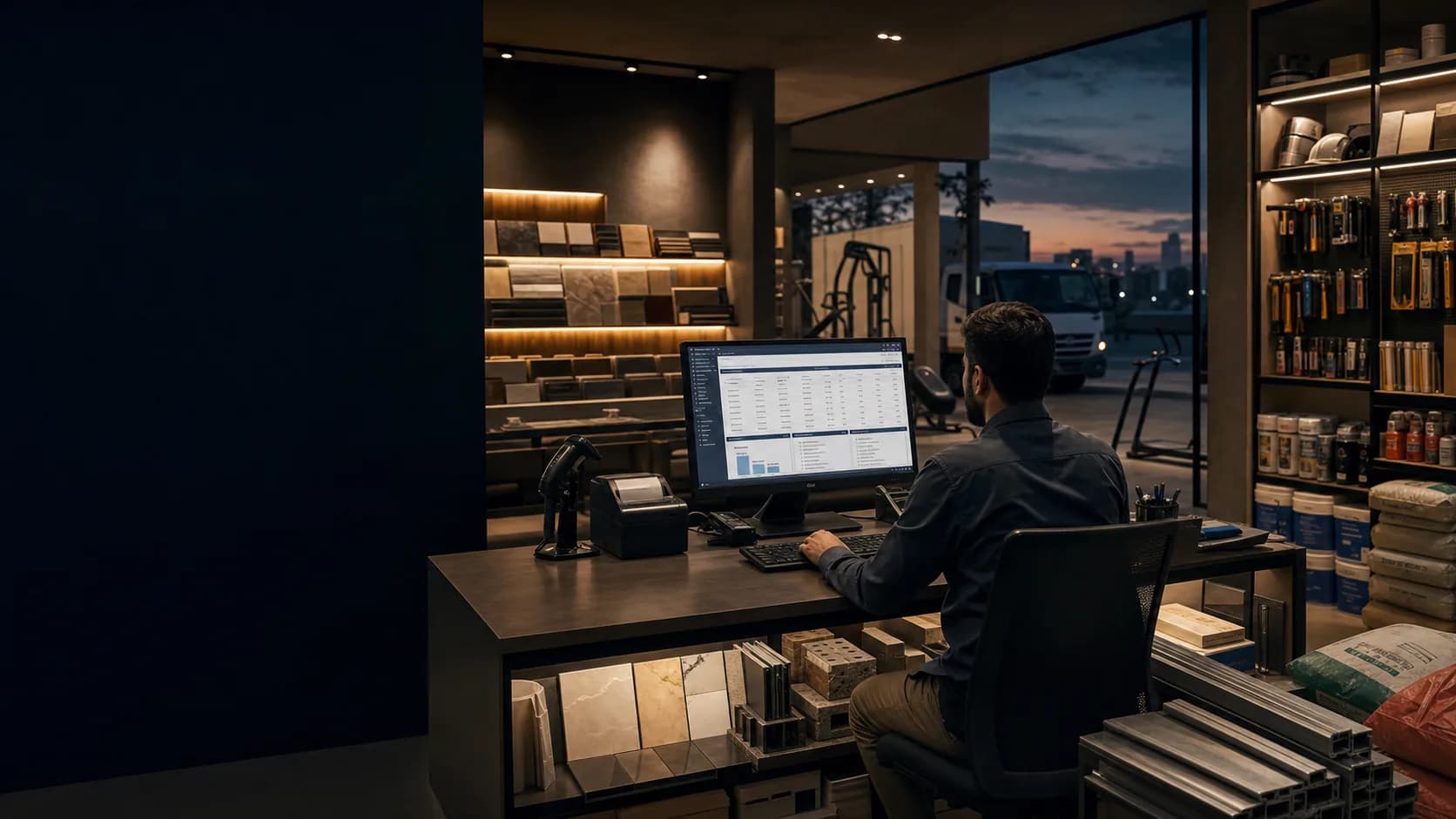
A desktop workflow suits businesses with a fixed counter, regular invoice printing, keyboard-heavy entry or staff who need a larger screen for item and report review.
- Retail counters using a Windows computer and receipt or invoice printer.
- Wholesalers entering longer sales and purchase documents.
- Offices reviewing stock, party balances and reports on a larger display.
- Businesses that can maintain a disciplined local and external backup routine.
Hardware check
Will my printer or barcode scanner work with Vyapar?
Compatibility should be demonstrated with the exact Windows version, printer model, paper size, driver and barcode workflow. Product availability does not automatically guarantee every peripheral configuration.
| Component | Test before purchase | Acceptance evidence |
|---|---|---|
| Invoice printer | Driver, paper size, margins and repeated prints | Readable test invoice |
| Thermal printer | Width, layout and item-line wrapping | Complete receipt without cutoff |
| Barcode scanner | Input format and item lookup | Successful sample scan |
| Backup location | Create, copy and test recovery route | Documented backup file and location |
Migration
How should data be moved to a new PC?
Create a current backup, preserve the old machine, install from the official source, test restoration on the destination and verify invoices, parties, stock and balances before switching daily operations.
Access scope
Does the PC plan include multiple users or devices?
Do not assume it. User count, device count, cross-device access and synchronisation depend on the current plan and product configuration and must be confirmed in the quotation and demonstration.
Remote assistance
What can remote PC setup include?
An agreed remote session can cover official installation, initial business settings, sample billing, print testing, backup guidance and staff orientation. Access should be time-limited and approved by the business owner.
Primary references
Which official sources support this guide?
Product, platform and corporate-contact claims were checked against the software company's current public pages. Pakistan price and plan details are intentionally not inferred from foreign-market pages.
- Vyapar official websiteCurrent product overview and official download routes
- Vyapar official invoicing overviewPublic invoicing and transaction-workflow information
- Vyapar official accounting overviewPublic accounting and business-record information
- Vyapar official termsSoftware ownership, licence terms and general product scope
- Vyapar official contact pageCurrent corporate contact channels
- Vyapar official FAQCurrent support channels and product questions
- Vyapar official PC guideCurrent Windows desktop information